
 Miao

Miao.
A little nudge
to clock in.
Good morning! Your clock-in reminder.
Never forget to clock in or out.
CHOOSE YOUR WAY
Two ways to remind you.
We recommend Smart Mode.
Busy day?
Miao remembers.
Distracted by your phone in the morning? Heading home after overtime?
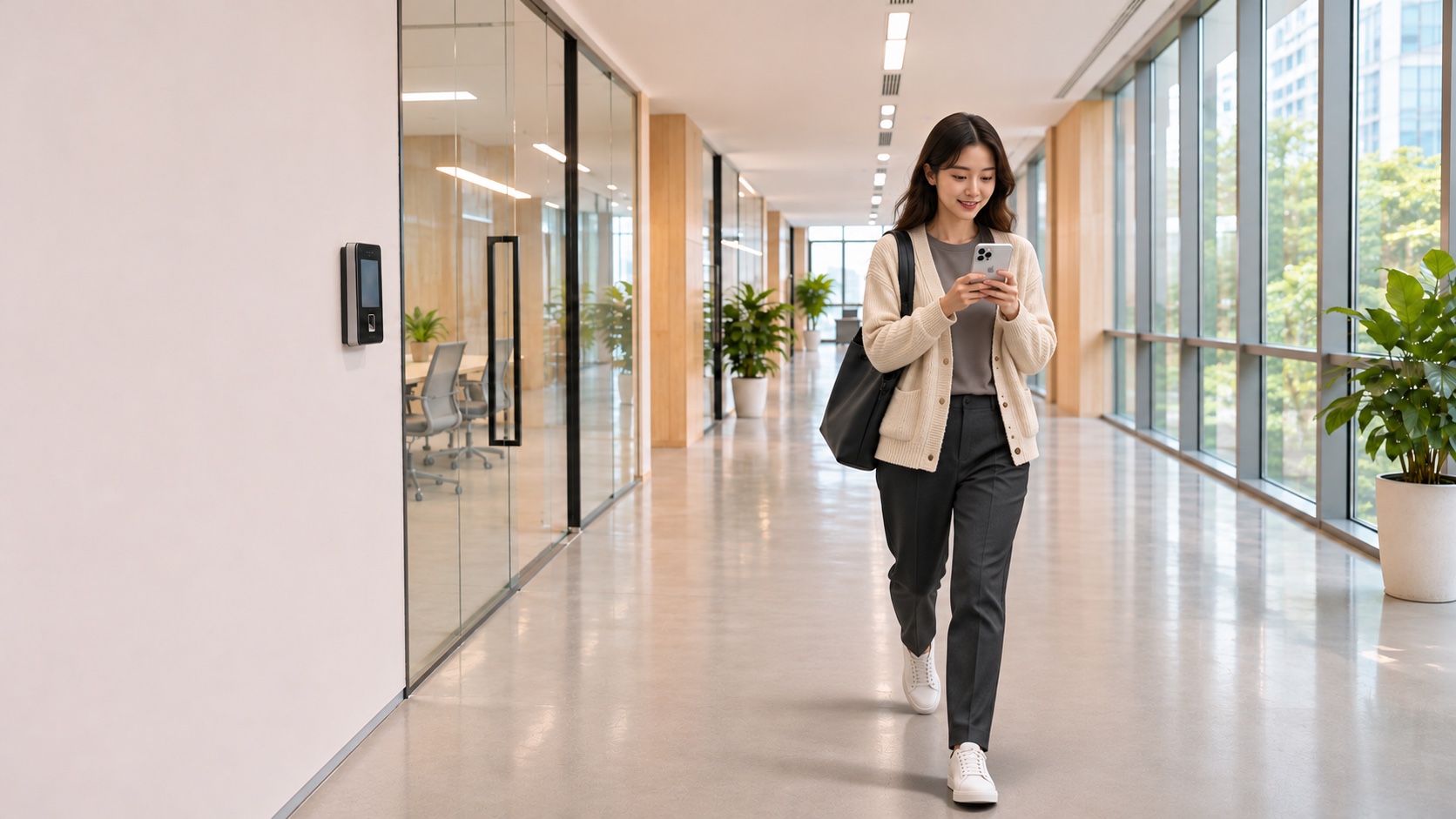
Miao reminds you when you arrive at or leave your desk.
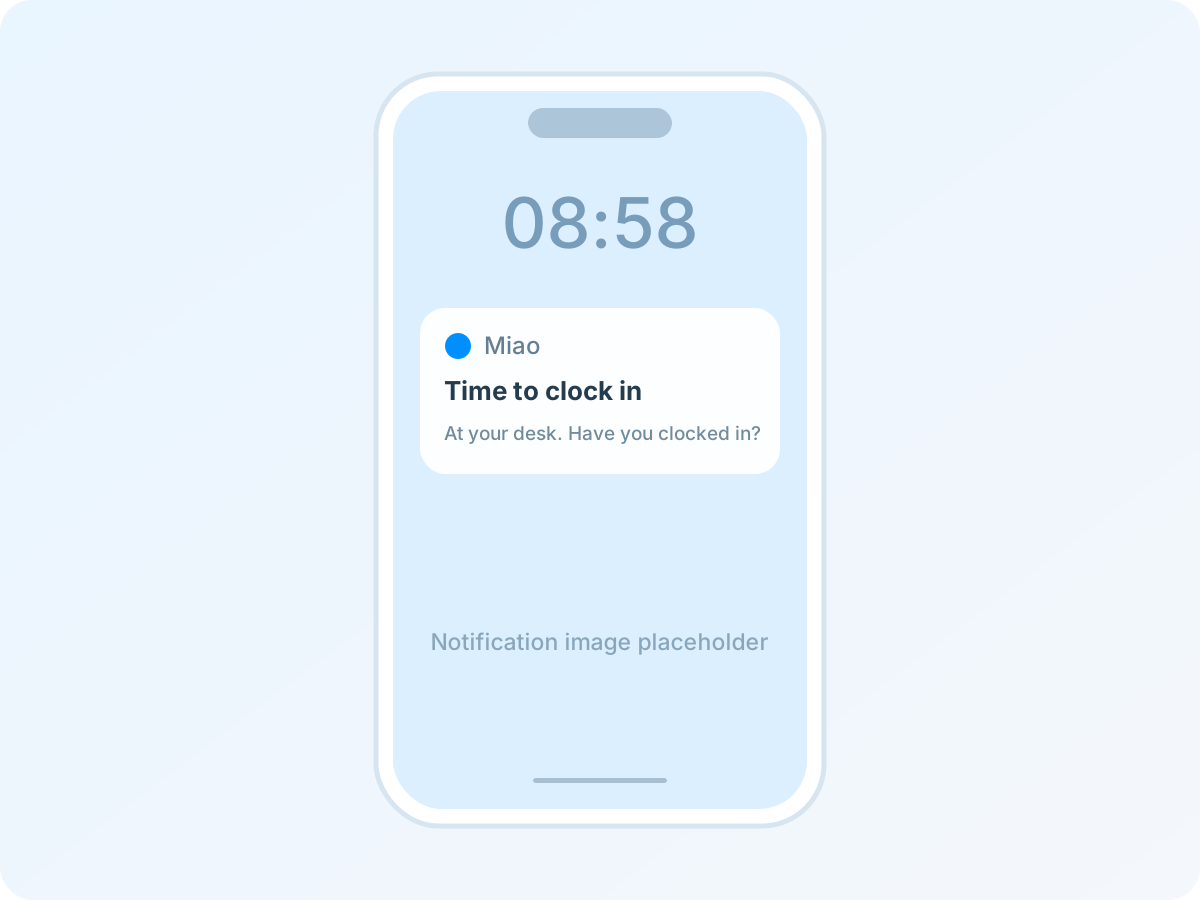
Works within your chosen time windows. Extend the departure window for overtime. Confirm you have clocked in or out to stop reminders.
Regular hours.
Right on time.
Great for a regular routine. Choose your reminder windows and intervals.
Miao nudges you on schedule. No extra device needed.
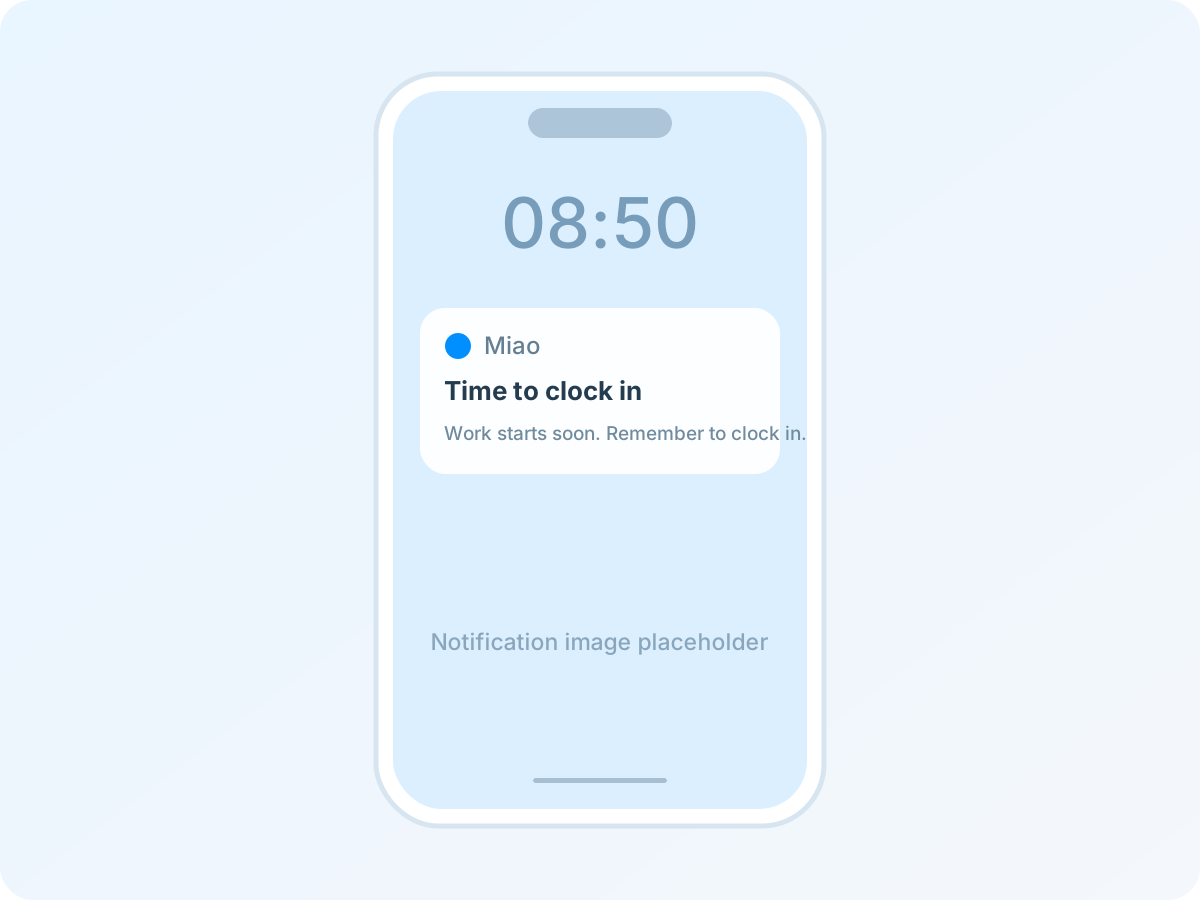
Times shown are illustrative. Customize your reminder windows and intervals. Confirm to stop reminders.
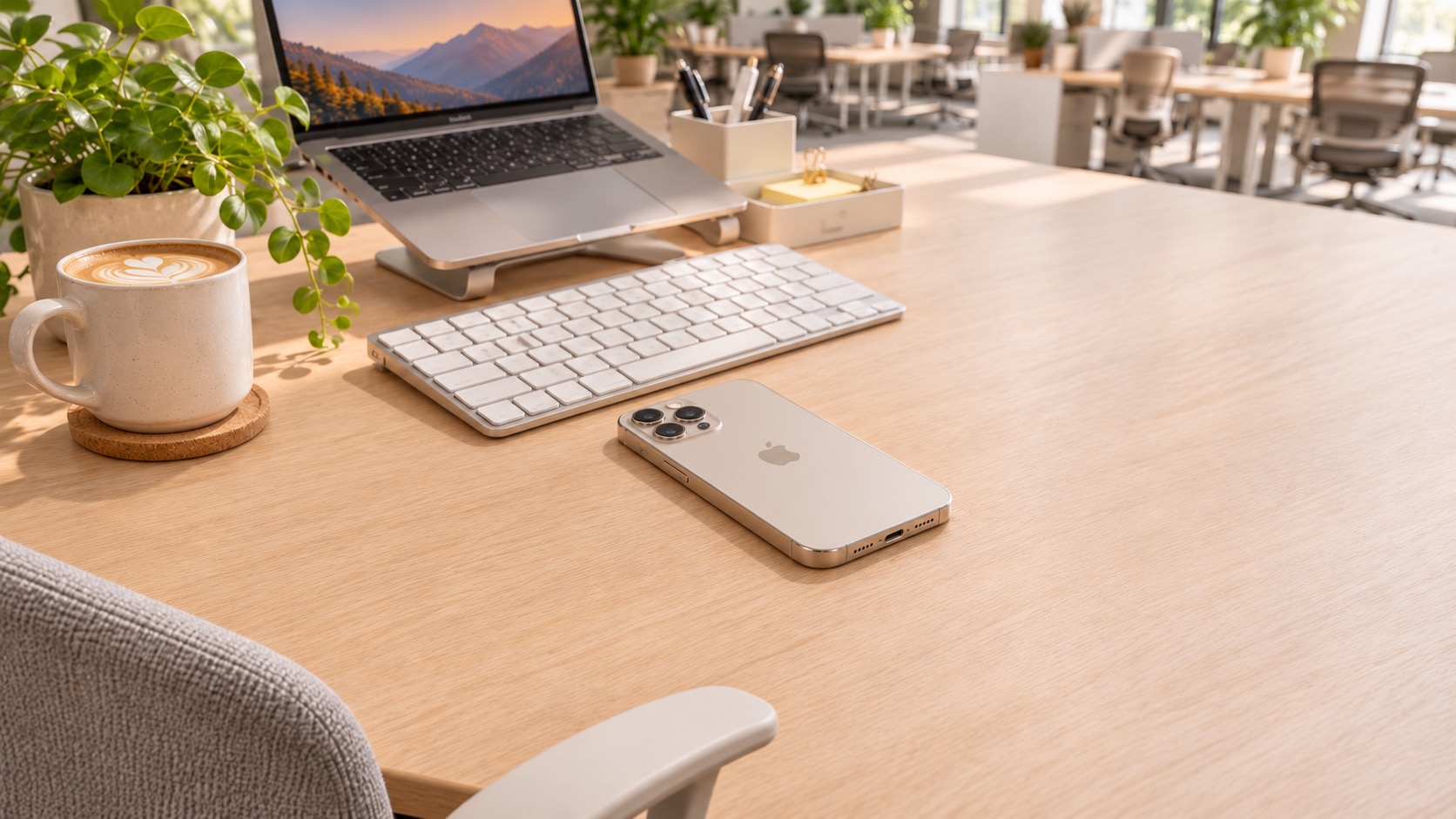 At your desk, for every arrival and departure.
MEET MIAO MINI
Miao Mini
A desk that remembers.
Place Miao Mini on your desk and add it in the iPhone app. When your phone enters or leaves its beacon region, Miao sends a clock-in or clock-out reminder within your chosen time windows.
Detects arrivals and departures.
No need to keep the app open, even with the screen locked.
Low-energy Bluetooth broadcasting.
Less time worrying about charging.
YOUR PRIVACY, ALWAYS.
Here for your reminders.
Not to track you.
Miao only needs to know whether you enter or leave Miao Mini’s signal region—not where you go.
Why ask for location permission?
iOS manages background iBeacon detection through Location Services. “Always” permission lets the app receive beacon entry and exit events in the background or with the screen locked, so it can trigger reminders.
“Always” does not mean continuous tracking.
Miao does not read geographic coordinates, record your routes, or upload location data. After you leave the beacon region, it does not follow where you go next.
A FEW THINGS TO KNOW
A few good questions.
Do I need Miao Mini to use the app?+
No. Scheduled Mode works with the app alone. Add Miao Mini for smart reminders based on arrivals and departures.
Does Miao clock in or out for me?+
No. Miao reminds you and records your confirmation. You still need to clock in or out using your employer’s attendance device or app.
Why does Smart Mode need “Always” location access?+
iOS handles background iBeacon detection through Location Services. Permission allows entry and exit events while the app is in the background or the screen is locked. Miao does not record your routes.
Can I receive reminders on Apple Watch?+
Your iPhone can deliver notifications to a paired Apple Watch. Their appearance and sound follow your iOS and watch settings.

Let Miao remember to remind you.